August 4, 2026
The Best Free AI Form Filler Extension 2026
Online forms are everywhere.
Whether you're applying for a job, registering for a service, completing an application, or signing up for a new account, you often have to enter the same information again and again.
Your name.
Your email.
Your phone number.
Your address.
Your education and work history.
Manually entering this information across multiple websites takes time. This is where a free AI form filler extension can make a difference.
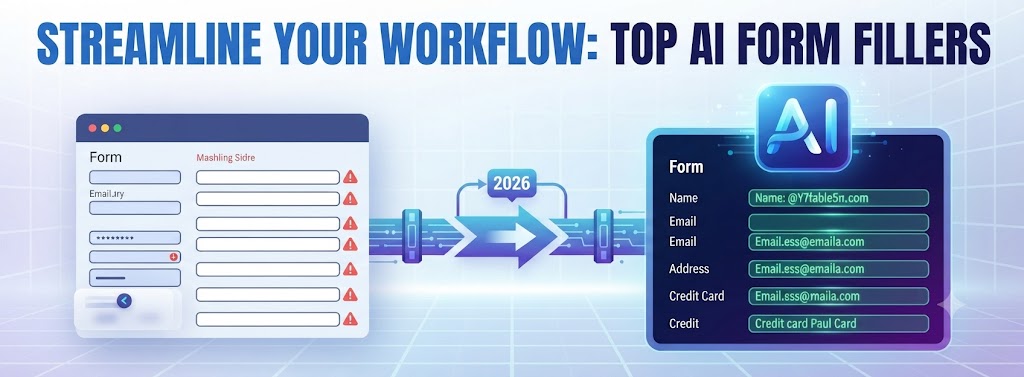
Instead of repeatedly typing or copying and pasting information, an AI-powered autofill extension can help identify form fields and fill them with the relevant information.
But with so many browser extensions available, how do you find the best free Chrome extension for autofill? Below, we walk through the criteria that actually matter — ease of use, smart field understanding, support for complex forms, privacy, and time saved — and where AnyForm Autofill AI fits against them.
What Is a Free AI Form Filler Extension?
A free AI form filler extension is a browser extension that uses AI-powered technology to help automate online forms.
Traditional browser autofill typically works with common fields such as:
- Name
- Email
- Phone number
- Address
AI-powered form filling can take a more intelligent approach by understanding the context of a form and the information being requested.
This can be especially useful for forms that contain complex questions, custom fields, or dynamic layouts.
A free solution can be a good starting point if you want to experience the benefits of AI-powered form filling without immediately committing to a paid subscription.
What Makes the Best Free Chrome Extension for Autofill?
When choosing an autofill extension, price isn't the only factor to consider.
The best free Chrome extension for autofill should also provide a combination of:
Easy to Use
The extension should be simple to install and use without requiring complicated setup.
Smart Form Understanding
It should be able to recognize different types of form fields and understand what information each field requires.
Support for Complex Forms
Basic autofill works well for simple forms, but a better solution should also help with longer and more complicated online applications.
Privacy
Your personal information is valuable. Look for an autofill solution with a clear privacy approach and transparent data handling practices.
Time Savings
The main purpose of an autofill extension is to reduce repetitive typing and help you complete forms faster.
Why Choose AnyForm Autofill AI?
AnyForm Autofill AI is designed to help users automate repetitive online form filling with an AI-powered approach.
Instead of manually entering the same information into every application, you can use AI-assisted autofill to streamline the process.
It can be particularly useful for:
- Job applications
- Registration forms
- Online applications
- Surveys
- Long forms
- Repetitive data entry
The goal is simple: spend less time filling out forms and more time getting things done.
AnyForm Autofill AI also follows a privacy-focused, local-first approach designed to help keep your autofill data local and private.
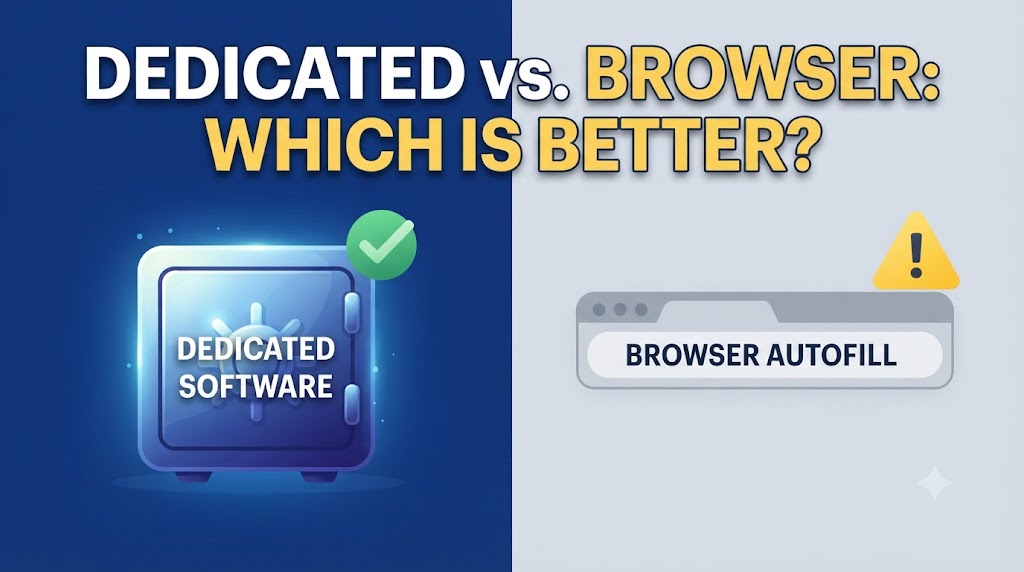
Free AI Form Filler vs. Traditional Browser Autofill
Traditional browser autofill is excellent for simple forms.
If a website asks for your name, email address, or phone number, standard browser autofill can often handle the task quickly.
However, complex forms can be more challenging.
An AI form filler can be useful when you're dealing with:
- Long application forms
- Custom questions
- Dynamic form fields
- Complex websites
- Repetitive applications
The difference is that AI-powered autofill focuses more on understanding the context of the form rather than relying only on standard field names.
Is a Free AI Form Filler Worth Using?
If you regularly fill out online forms, a free AI form filler can save a significant amount of time.
It's particularly valuable for people who repeatedly complete similar applications or enter the same personal and professional information across different websites.
Before choosing an extension, however, consider more than just the word "free."
Check:
- What features are included?
- Is there a usage limit?
- How is your data handled?
- Does it support complex forms?
- Does it work with the websites you use?
- Is the extension easy to use?
A free tool that saves time and respects your privacy can be much more valuable than a complicated solution with unnecessary features.
How to Get Started with AnyForm Autofill AI
Getting started with an AI-powered autofill extension should be simple.
The typical process is:
- Install the AnyForm Autofill AI Chrome extension.
- Set up the information you want to use for autofill.
- Open an online form.
- Use the extension to identify and fill the relevant fields.
- Review the information before submitting the form.
Always review automatically filled information before submitting an important application or form.
The Bottom Line
If you're looking for a free AI form filler extension, the right tool can help you save time and reduce repetitive data entry.
Traditional browser autofill is still useful for simple forms, but AI-powered solutions can be more helpful when dealing with complex, lengthy, or repetitive applications.
AnyForm Autofill AI is designed to make online form filling faster and smarter while taking a privacy-focused, local-first approach.
If you're searching for the best free Chrome extension for autofill, consider choosing a solution that combines ease of use, intelligent form understanding, privacy, and practical time savings.
Fill forms faster. Reduce repetitive typing. Get more done with AnyForm Autofill AI.
Frequently Asked Questions
What is the best free AI form filler extension?
The best option depends on your needs. Look for an extension that offers useful free features, supports the forms you use, and has a clear approach to data privacy.
Is there a free AI form filler for Chrome?
Yes. Chrome users can use AI-powered autofill extensions to automate repetitive form filling and reduce manual data entry.
What is the best free Chrome extension for autofill?
The best extension depends on the type of forms you complete. Traditional autofill is suitable for simple forms, while AI-powered tools can be useful for complex and repetitive applications.
Is AnyForm Autofill AI free?
Yes. AnyForm's Basic plan is free forever, with no credit card required — 250 fields filled per month and 2 profiles. Starter ($9/mo) and Pro ($20/mo) plans add higher field limits, more profiles, resume parsing, and Chat to Fill.
Is AI form filling safe?
Safety depends on how the tool handles your information. Choose an autofill solution with clear privacy practices and understand how your data is stored and processed before using it.