August 4, 2026
Is It Safe to Let AI Fill Out Your Forms? A Privacy Breakdown
Is AI Form Autofill Safe?
Online forms are part of everyday life. You use them for job applications, registrations, surveys, account signups, and more.
But filling out the same information repeatedly can be frustrating and time-consuming.
That's where AI-powered autofill tools can help.
Instead of manually entering your name, email, phone number, address, and other details into every form, AI autofill can help identify the fields and complete them for you.
But there's an important question to ask:
Is it safe to let AI fill out your forms?
The answer depends on how the tool handles your data.
Whenever you use an autofill tool, you may be working with personal information such as:
- Your name
- Contact details
- Address
- Education
- Professional history
This raises understandable privacy concerns:
- Is my data uploaded to a server?
- Is my information stored somewhere?
- Is it shared with third parties?
- Is it used to train AI models?
Before using an AI autofill tool, it's important to understand its privacy approach.
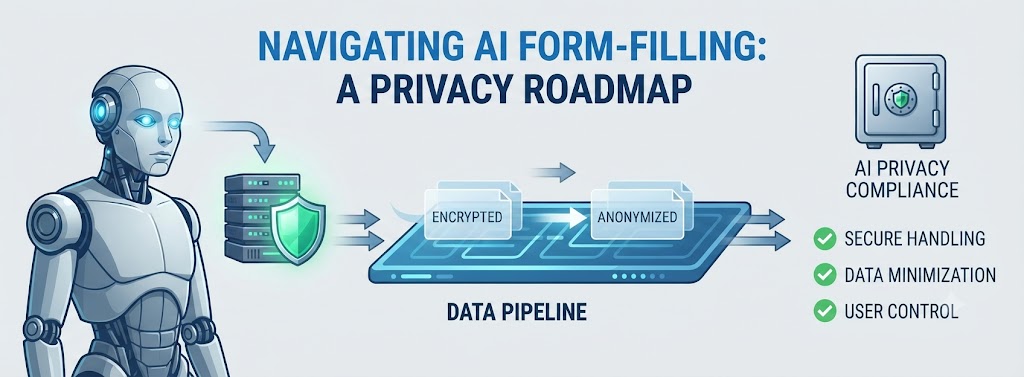
AnyForm Autofill AI takes a privacy-first approach designed to keep your autofill data local and private.
The goal is simple: your personal information should remain under your control.
By focusing on local data handling, AnyForm Autofill AI helps you automate repetitive form filling without unnecessarily sending your personal information to external servers.
That means you can get the convenience of AI-powered autofill while keeping privacy in mind.
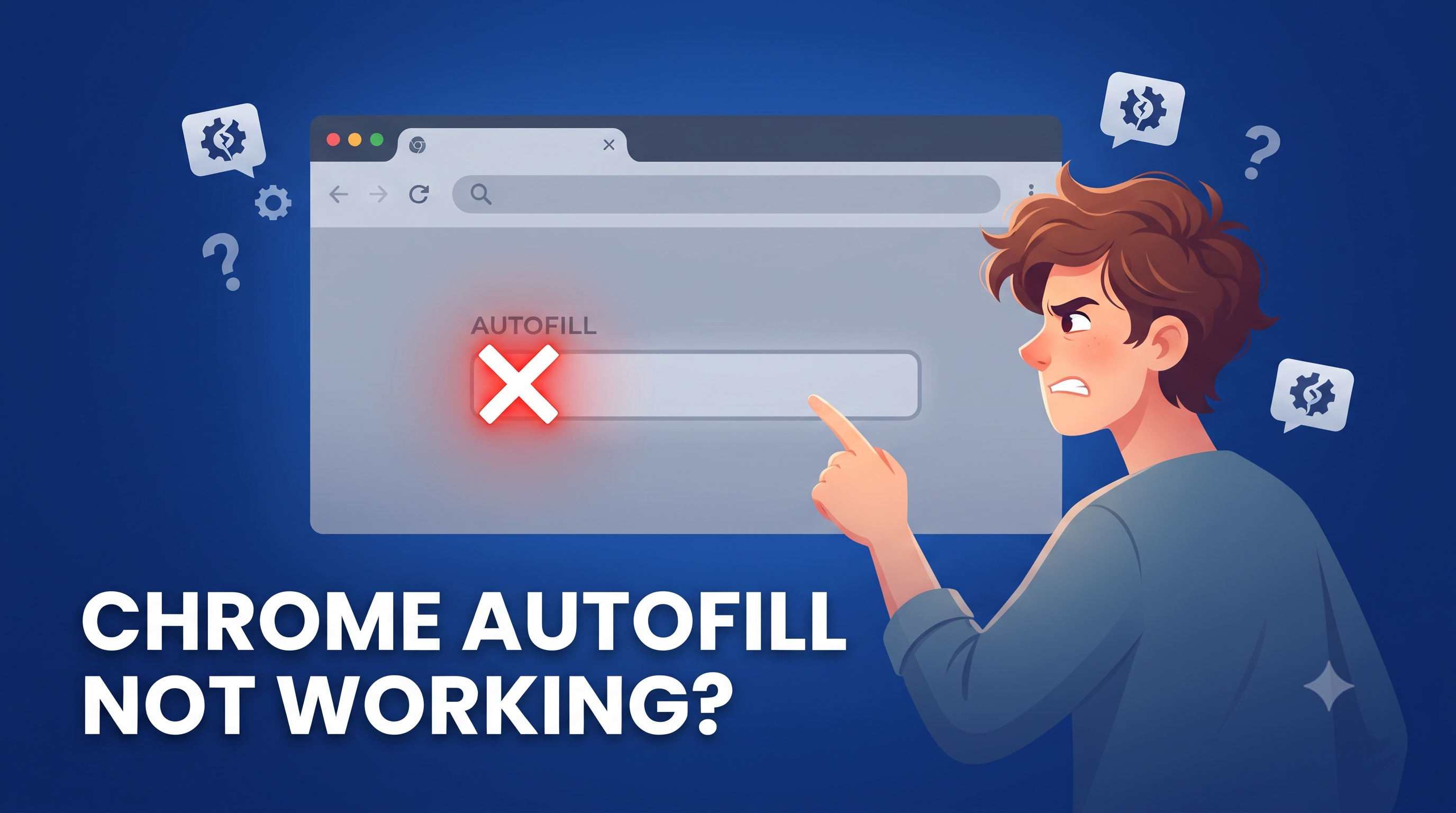
Why Does Chrome Autofill Not Work?
If you've searched for "why does Chrome autofill not work," you're not alone.
Chrome Autofill works well with many standard forms, but it may struggle with websites that use complex or dynamically generated form structures.
Some common reasons include:
Non-Standard Field Names
Websites don't always use familiar field names such as name, email, or phone.
Custom field names can make it harder for traditional browser autofill to identify what information belongs in each field.
Dynamic Form Fields
Some websites create new fields only after you interact with the page.
For example, selecting "Yes" for previous work experience might immediately generate additional fields for:
- Company name
- Job title
- Employment dates
These fields may not have existed when the page initially loaded.
Custom Form Components
Modern websites often use JavaScript frameworks and custom input components.
These can behave differently from traditional HTML form fields, making browser autofill less reliable.
Why Is Chrome Autofill Not Working on Dynamic Forms?
The problem becomes more noticeable when Chrome Autofill is not working on dynamic forms.
Dynamic forms can change based on your answers or actions. Fields may appear, disappear, or change while you're completing the form.
Traditional browser autofill generally relies on recognizable field structures and saved information.
When a website changes dynamically, Chrome may not always understand what each new field requires.
This is especially common on:
- Job application websites
- Multi-step applications
- Registration portals
- Single-page applications
- Complex online forms
This is where AI-powered autofill can provide an alternative approach.
An intelligent autofill tool can analyze the context and purpose of form fields, helping determine what information should be entered instead of relying only on fixed field names.
How to Fix Chrome Autofill Problems
If Chrome Autofill isn't working, try these steps:
1. Update Chrome
Make sure your browser is running the latest version.
2. Check Autofill Settings
Verify that your saved addresses and personal information are enabled in Chrome's Autofill settings.
3. Review Saved Information
Remove outdated or incorrect autofill entries that may be causing problems.
4. Refresh the Page
Some forms load fields dynamically, so refreshing the page can sometimes help.
5. Check the Form Structure
Custom or dynamically generated fields may not be recognized by Chrome Autofill.
6. Try an AI Autofill Solution
If Chrome continues not working on dynamic forms, an AI-powered tool may be better suited for complex websites.
For these situations, AnyForm Autofill AI is designed to help simplify form filling while maintaining a privacy-focused, local-first approach.
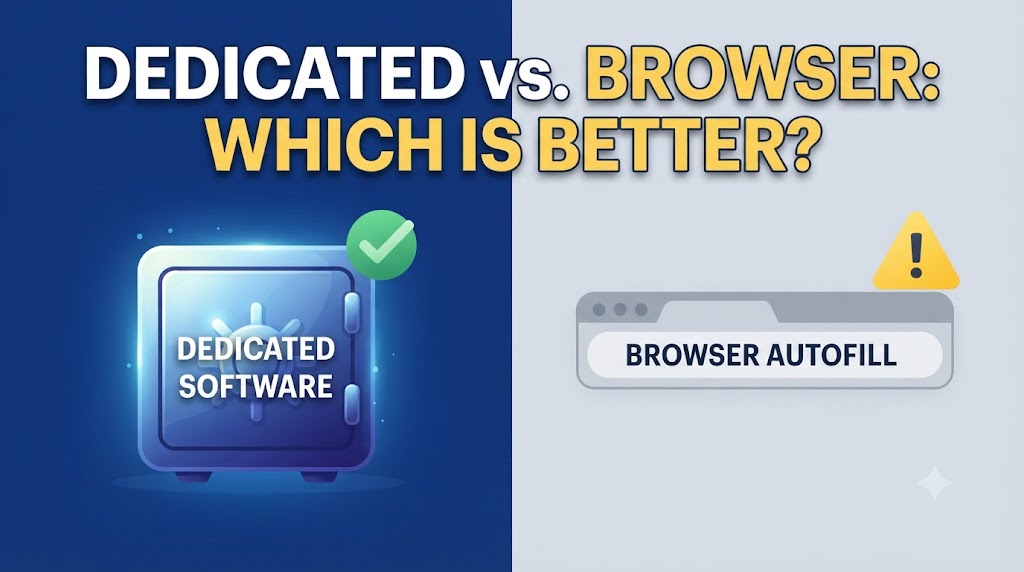
AI Autofill vs. Chrome Autofill
Chrome Autofill is a great choice for simple, standard forms.
AI autofill can be more useful when you're dealing with:
- Long application forms
- Complex websites
- Dynamic form fields
- Repetitive online applications
- Forms that Chrome doesn't recognize correctly
The two approaches don't have to compete.
You can use Chrome Autofill for everyday forms and turn to AI-powered autofill when traditional autofill reaches its limits.
The Bottom Line
So, is it safe to let AI fill out your forms?
It depends on the tool and how it handles your information.
Always check whether your data is:
- Stored
- Uploaded
- Shared
- Used for other purposes
With AnyForm Autofill AI, the focus is on keeping your data local and private while helping you fill out forms faster.
And if you've been searching "why does Chrome autofill not work?" or finding that Chrome is not working on dynamic forms, an AI-powered autofill solution may help you handle complex forms more efficiently.
Spend less time typing. Keep your data private. Fill forms smarter with AnyForm Autofill AI.
Frequently Asked Questions
Why Does Chrome Autofill Not Work?
Chrome Autofill may not work when websites use custom field names, dynamic fields, JavaScript-based forms, or non-standard form structures.
Why Is Chrome Autofill Not Working on Dynamic Forms?
Dynamic forms can create or modify fields after a page loads. Chrome may not always recognize these newly generated fields correctly.
Is AI Autofill Safe?
AI autofill safety depends on how the tool handles your data. Look for solutions that clearly explain their data practices and prioritize privacy.
Does AnyForm Autofill AI Keep My Data Private?
AnyForm Autofill AI is designed with a local-first, privacy-focused approach to help keep your autofill data local and under your control.
Can AI Autofill Replace Chrome Autofill?
Not necessarily. Chrome Autofill works well for many standard forms, while AI autofill can be particularly useful for complex or dynamic forms that traditional autofill may struggle to handle.